Installation
To Install the Flow CLI application, head to the >> Downloads section, and click on the A8 Flow tab. Choose the version specific to your Operating System (Mac, Windows, or Linux), and download the file.
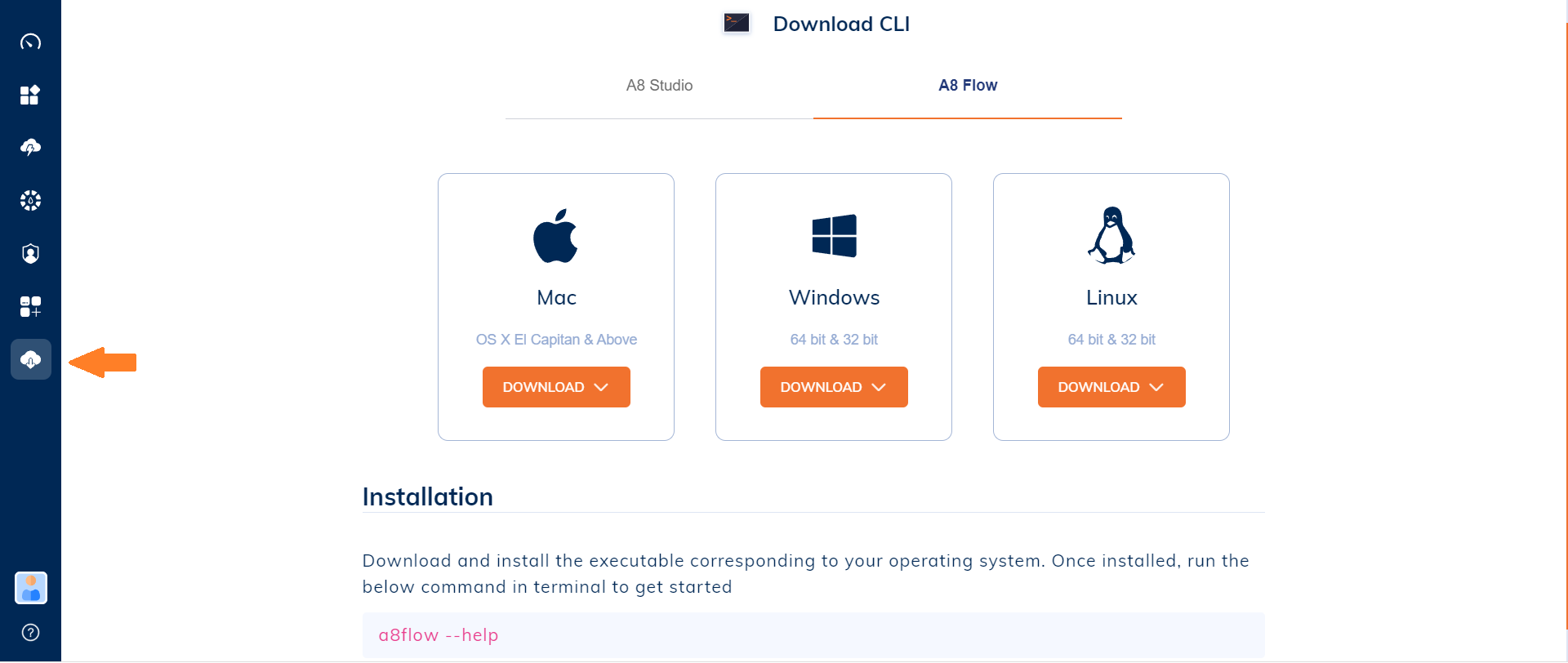
Mac
- Select either the 64-Bit or the ARM version.
- Download...
- Click on the downloaded file to start the installation process.
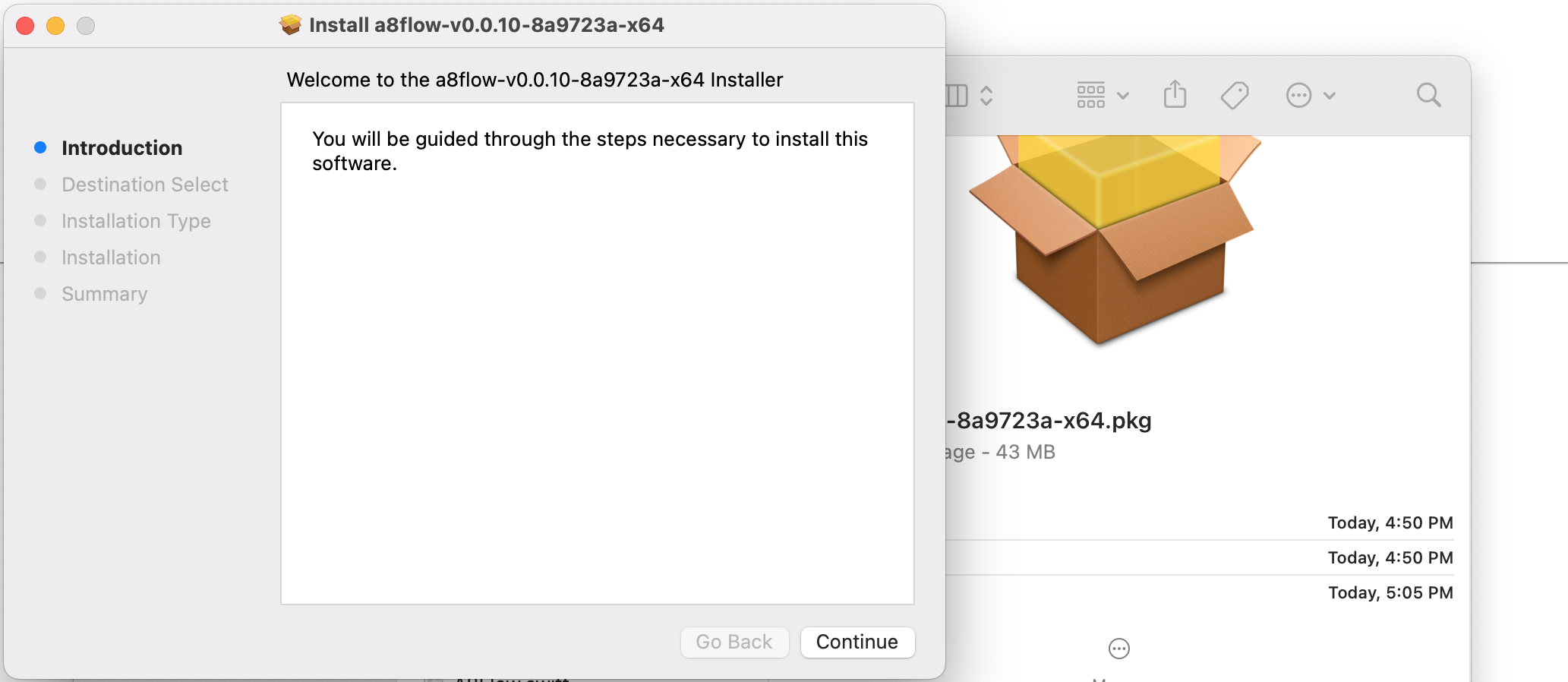
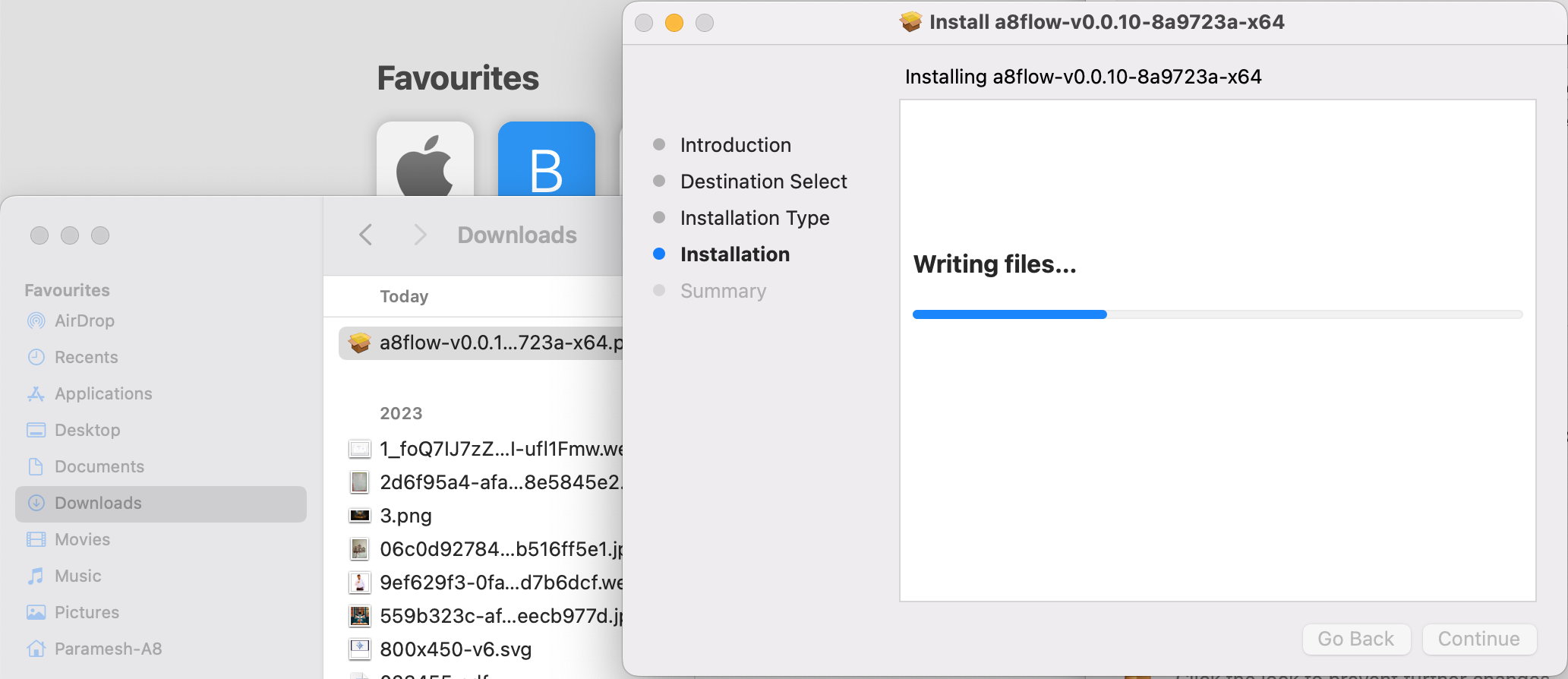
- Click >>
Continue>> Select a DestinationContinue>>Install. - Wait for the Installation to complete.
Windows
- Select between the 64-Bit and the 32-Bit versions.
- Download the "a8flow-cli" file to your PC.
- Run the .exe file...
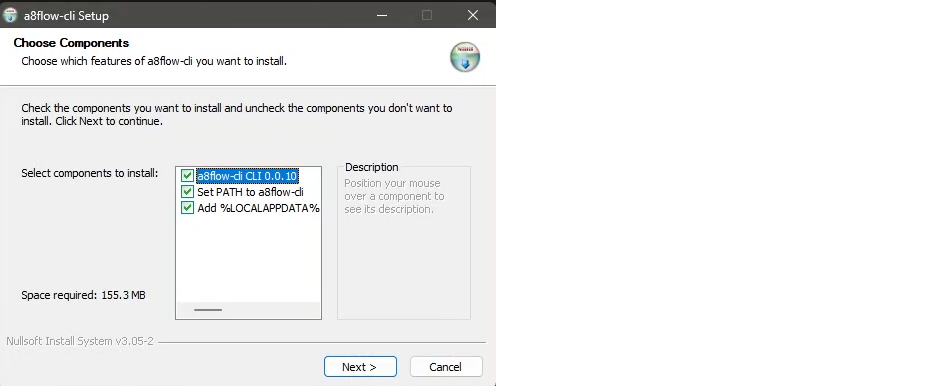
- Selecte All the components and Click >>
Next. - Select a Destination >>
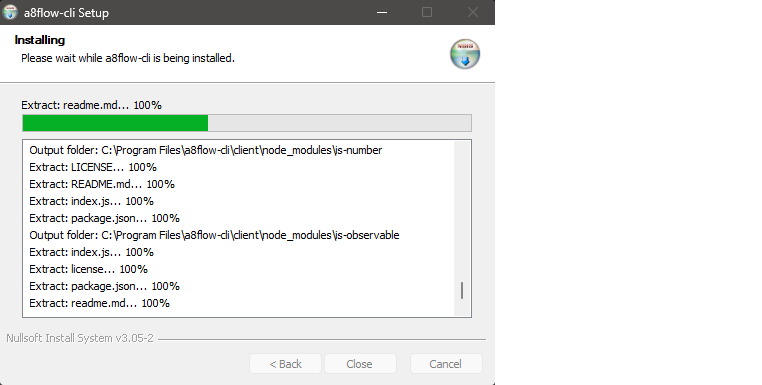
Install. - Wait for the Installation to complete.
Linux
- Select either the 64-Bit or the ARM version.
- Download to a specific folder. And, launch Terminal from the downloaded folder.
- Run the command:
sudo dpkg -i a8flow_0.0.10-1_amd64.debto start installation. - Wait for it to complete - you are done!